
Your bank already knows when your balance drops, when a weird charge hits, and when a bill is about to pull. The problem is that this information often sits in an app you open once a week, if that. Mobile banking alerts flip that. They push the important stuff to you in real time, so you can act before a small annoyance becomes an overdraft fee, a late payment, or a fraud headache. You do not need a pricey financial manager for this. You need ten minutes, your bank app, and a willingness to let your phone do the boring work.
Start with the alert that saves the most money fastest: low balance. Set it higher than you think. If your rent, gas, groceries, and phone bill usually clear in the same week, a $50 warning is too late. Pick a number that gives you at least two days of breathing room, then adjust after a month. The goal is not to babysit your checking account. The goal is to get a heads-up while you can still move money, delay a purchase, or ask for a due-date change. A low-balance alert is not an admission that you’re bad with money. It is a cheap smoke detector.
Next, turn on transaction alerts for large purchases and any card-not-present charges. Most banks let you choose a dollar amount. Pick a number that would make you pause, like $75 or $100. If a charge over that amount hits and you did not make it, you can call the bank while the charge is pending. That beats discovering it three weeks later when your rent check bounces. For debit and credit cards, also turn on alerts for international charges, cash withdrawals, and unusual merchant categories. You are not being paranoid. Card numbers get skimmed, apps get breached, and subscriptions you forgot about love to reappear. Alerts give you the first move.
Then set deposit alerts. Payday is not the only deposit that matters. Tax refunds, side-gig payments, reimbursements, and transfers from savings all deserve a ping. Deposit alerts help you confirm money actually landed before you pay a bill from that account. They also catch surprises like a returned payment or a payroll delay. If your paycheck is late, you want to know that morning, not after you have already scheduled every dollar.
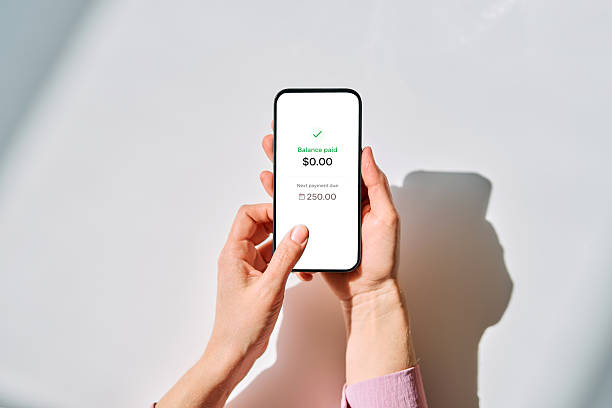
Bill-pay and autopay alerts are where mobile banking starts to feel like a personal assistant. Set reminders for any bill that pulls automatically, especially the ones that vary, like utilities or phone bills. A reminder two or three days before the due date gives you time to check the amount and make sure the money is there. If the bill is larger than usual, you can call, question it, or shift cash before the draft hits. Autopay is great for avoiding late fees, but it is only great when you know what is coming. An alert turns autopay from a set-and-forget risk into a set-and-check habit.
Security alerts deserve their own attention. Turn on login notifications, new-device alerts, password-change alerts, and any scam or fraud warnings your bank provides. If you get a login notice when you were not logging in, change your password and call the bank from the number on the back of your card. Do not use the number in a text message. Do not click a link. Mobile banking scams often look real because they are designed to. Your best defense is a boring habit: check the alert, open the official app yourself, and verify.
Make the system easy to keep. During your first setup, choose the few alerts that match your actual life, not every option on the menu. Too many pings and you will ignore them all. Review your alerts once a month, ideally on payday, and change the thresholds as your bills and income shift. If you share an account, make sure both people know which alerts are on. The point is not to become a finance nerd. The point is to catch problems while they are still small, cheap, and fixable. Mobile banking alerts are not glamorous. That is why they work. They give you ten seconds of information at the exact moment it can save you real money.